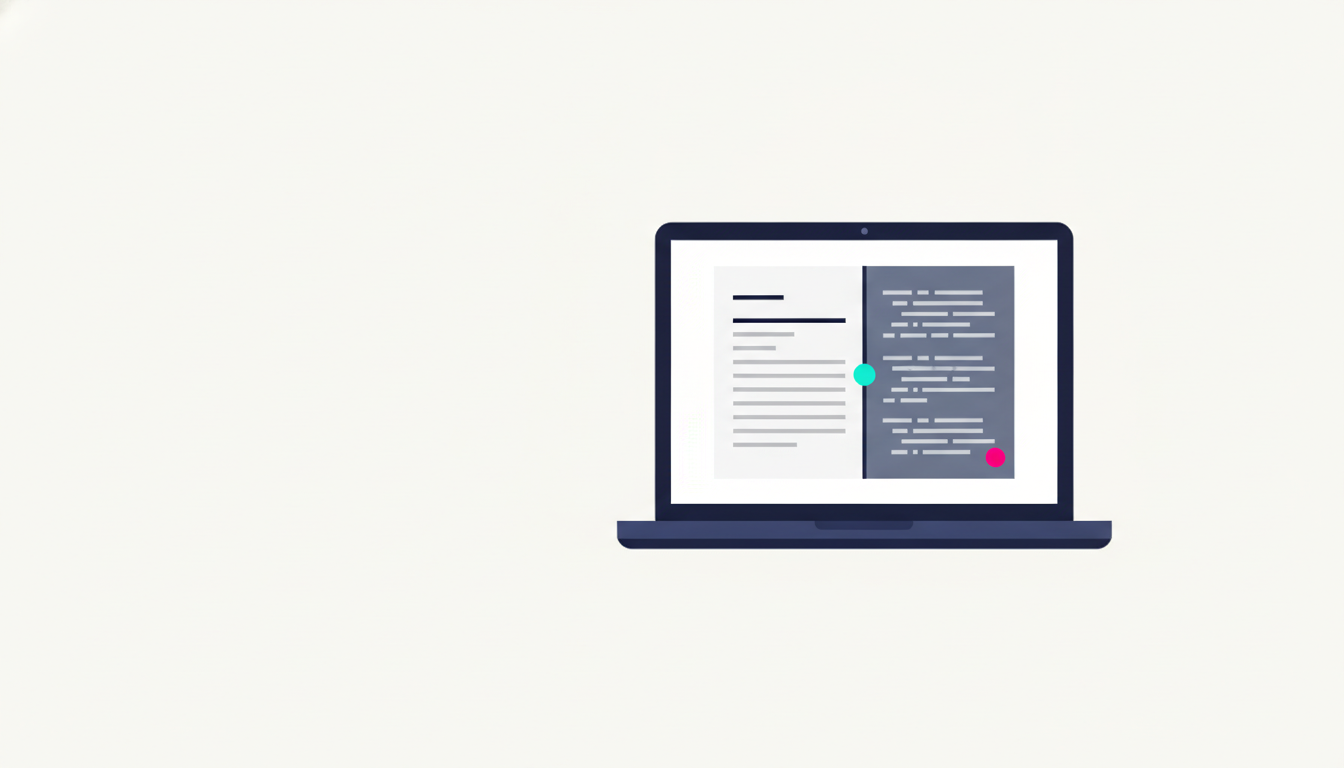
When a customer asks AI about a business like yours, the AI reads a quick, plain copy of your website, not the polished version people see. So a price hidden behind a button, or any fact that only loads after a click, can be missed or read wrong. Put the facts that win you the job, your price, your area, and what you do, into the page itself, and you stop losing customers you never knew you had.
Why does ChatGPT show the wrong information for my business?
Picture this. Someone needs exactly what you sell. They do not open Google and scroll. They ask ChatGPT, "who is good for this near me, and what does it cost." The AI answers with a name, a price, and a few details. If those details are wrong, or the name is not yours, that person moves on. They never call. You never find out it happened.
That is the quiet way small businesses are losing work now. And it often comes down to one thing: the AI read the wrong version of your website. This post explains, in plain words, what an AI actually sees when it looks at your site, why it can get your own details wrong, and the simple checks that fix it. You will not need to touch any code to follow along.
What does an AI actually see on your website?
Your website arrives in two steps, and that is the whole story in one picture.
First, your site sends out a plain copy of the page. Think of it as a printed flyer: the words, the prices, the layout, all sitting there as text.
Then, once that flyer reaches a real visitor, the interactive parts switch on inside their browser. Buttons start working. Menus open. A price changes when someone picks their country. These interactive parts have a technical name. They are called JavaScript, sometimes known as coded elements, and they only run after the page has arrived.
A person waits a second for all of it and sees the finished, polished site. Most AI tools do not wait. They grab the plain flyer and walk off. Anything that was going to change after they left, they never see.
Your website has two versions. The polished one your customer sees, and the plain one a machine grabs on its way past. The AI quotes the plain one.
How our own page told the AI the wrong price
Here is a real example, because we got caught by this too.
Imagine a shop with one price on a sticker in the window, in US dollars. The real local price is only given to people who walk in and ask the staff. A customer who walks in gets the right price. Someone who only reads the window walks away with the wrong number.
Our pricing page worked like that sticker. By default it showed the price in US dollars, $187. The real price for an Australian customer, $297, only appeared after they clicked to choose Australian dollars. A person clicks and sees $297. An AI cannot click. So it reads the $187 in the window and could repeat that to an Australian, in the wrong currency.
A blank space would have been safer. At least no one repeats a blank. A wrong number gets passed on as if it were true.
Why does this matter for getting customers?
Because this is the difference between being chosen and being skipped.
More of your customers now ask an AI before they ask you. When they do, the AI hands them a short list. If your price is wrong, your suburb is missing, or it cannot tell what you actually do, you do not make that list. The job goes to a business the AI could read clearly.
Here is how that plays out. Say you run a mobile locksmith. Someone is locked out at 9pm and asks ChatGPT for a locksmith nearby who is open late. Your site does list your hours, but they only appear after a tab opens, so the AI cannot see them. It names two other locksmiths instead, and the callout goes to one of them. You never hear the phone that did not ring.
None of this shows up in your numbers. The customer does not complain, because they were never quite your customer. The loss leaves no trace, which is exactly why it goes unnoticed for so long. A handful of these a month is the difference between a busy calendar and a slow one.
The hard part is that you feel nothing. There is no missed-call alert. No bounced email. No angry review. Just a quieter week than it should have been, and no way to trace why. You were not skipped because your work is worse. You were skipped because a machine could not read your page.
How do we know AI skips these parts?
This is not a hunch. It is measured.
A study by Vercel and MERJ looked at more than 500 million visits from AI crawlers. The main one, the crawler behind ChatGPT, ran a site's JavaScript zero times. Not rarely. Zero. So the safe rule for you is simple. If a fact only shows up after the interactive parts run, assume the biggest AI tool never sees it.
Some crawlers even download the JavaScript file, then never run it. That is like a cook who collects a recipe and never turns on the oven. Holding the file is not the same as reading the finished dish.
Someone also put it to a clean test in June 2026. They hid the real answer behind JavaScript and left a fake answer in the plain page. Then they asked the big assistants about it. ChatGPT, Claude, Gemini, Perplexity and Meta's AI all repeated the fake one. They read the plain page and never ran the part that held the truth.
Here is how the main AI tools behave, as of mid 2026.
| AI tool | Runs your JavaScript? | What it reads | | --- | --- | --- | | OpenAI: ChatGPT, GPTBot | No | The plain page your site sends | | Anthropic: Claude, ClaudeBot | No | The plain page your site sends | | Perplexity | No | The plain page your site sends | | Meta, ByteDance | No | The plain page your site sends | | Google: Gemini, AI answers | Yes, but on a delay | The finished page, eventually | | Microsoft: Bing, Copilot | Sometimes | Mixed | | Apple: AppleBot | Yes | The finished page | | xAI: Grok | In practice, no | The plain page your site sends |
Is Google different, and does that save you?
Google is the one real exception, and it still does not let you off the hook.
Google does run JavaScript, through the same crawler that powers Google Search, and that feeds Gemini and its AI answers. The catch is that it does this on a delay. A fact that only lives in the interactive parts gets read late and less reliably than one sitting in the plain page. For a price that changes, late and unreliable is a real cost.
Microsoft's Bing and Apple run the interactive parts sometimes. Most of the others do not. Even Grok, which can run the code in a test, still repeated the plain-page answer. And the new AI browsers that can act for you, like ChatGPT's Atlas and Perplexity's Comet, do open a real browser. But they are a tool a person drives, not the crawler quietly reading your site in the background. So the honest rule stands. Do not trust your most important facts to the interactive parts.
Which parts of your website are most at risk?
Anything that only appears after the page has loaded and something happens.
The usual suspects are easy to spot once you know the shape of the problem. A price behind a currency button, like ours. An answer tucked inside a read more link or a tab that only opens on click. Important details added by a separate plugin or tool after the page opens.
One useful detail, because it changes the fix. If a fact is sitting in the page from the very start, even buried in the code as plain text, an AI can usually still read it. The trouble is only with facts that load in after the page arrives. So the question is never "is my site too fancy." It is "is the fact already in the page, or does it only show up later."
How can you check what AI sees, in about a minute?
There is a free check that shows you exactly what an AI reads. I call it the View-Source Test, and anyone can do it.
Open your most important page in a web browser. Right click anywhere, and choose View Page Source. A page of plain text opens. That is roughly what an AI reads. Now hold Ctrl and press F, or Cmd and F on a Mac, to search, and type in a fact you care about, like your price or your suburb. If you cannot find it there, the AI cannot either. You have just found something to fix.
When something is missing, the fix has three simple parts.
Show the true version first. Make your website send the real answer as the starting point, not a blank it fills in later. We are Australian owned, so Australian dollars is the right starting point for us anyway. The button stays for anyone who wants another currency.
Put the fact in the page, not only in the interactive parts. Your price, your answer, your hours should be in the page from the moment it arrives. Keep all the nice interactive features. Just do not let the fact depend on them to exist.
Label it in the page too. The behind-the-scenes labels that tell a machine "this number is a price, in Australian dollars" should be in the page your site sends, not added by a separate tool afterwards.
You really can have it both ways. The true price can sit in the page for the machine to read, while the button still controls what a person sees. The AI reads the real figure. Your visitor still gets the tidy, interactive version. A site that is easy for a machine to read and lovely for a person to use are not opposites.
We see this on most of the sites we check
This is not just our own pricing page. Across the 69 small business websites we have checked so far, the same kind of problem comes up again and again. On 64 of them, the facts a machine needs were not labelled in the page. On 58, the basics were not stated plainly enough for a machine to read. On 19, the site was hard for a crawler to get into at all.
It is an early set of numbers and we hold them loosely. But they point the same way as the big studies above. The problem is almost never that a business has nothing to say. It is that the things worth saying are not in the part of the page a machine reads.
The simple version
You do not need to tear down your website or learn to code. You need the facts that win you the job, your price, your area, and what you do, to be in the page itself, where a machine can read them. Keep everything that makes the site nice for people.
If you remember one line, remember this. If you want a machine to quote it, write it where the machine reads. Do the View-Source Test on your main page. The next person who asks an AI about a business like yours should hear your name, with the right details.
Sources
- Vercel and MERJ. The rise of the AI crawler. Server-log study of more than 500 million crawler requests.
- SearchEngineWorld. Do AI assistants actually render your JavaScript when grounding? We put it to the test. Decoy test, June 2026.
- Glenn Gabe, GSQI. AI search and JavaScript rendering: a case study. August 2025.
- Cloudflare. Radar 2025 Year in Review. Crawler traffic trends, including the growth of live, user-triggered crawling.
- Search Engine Roundtable. Google's AI crawler renders JavaScript. Martin Splitt on Gemini rendering.
- Anthropic. Web fetch tool documentation. Vendor documentation, scoped to the web fetch tool.
- Perplexity. Perplexity crawlers. The two-agent crawler and live-fetch taxonomy.