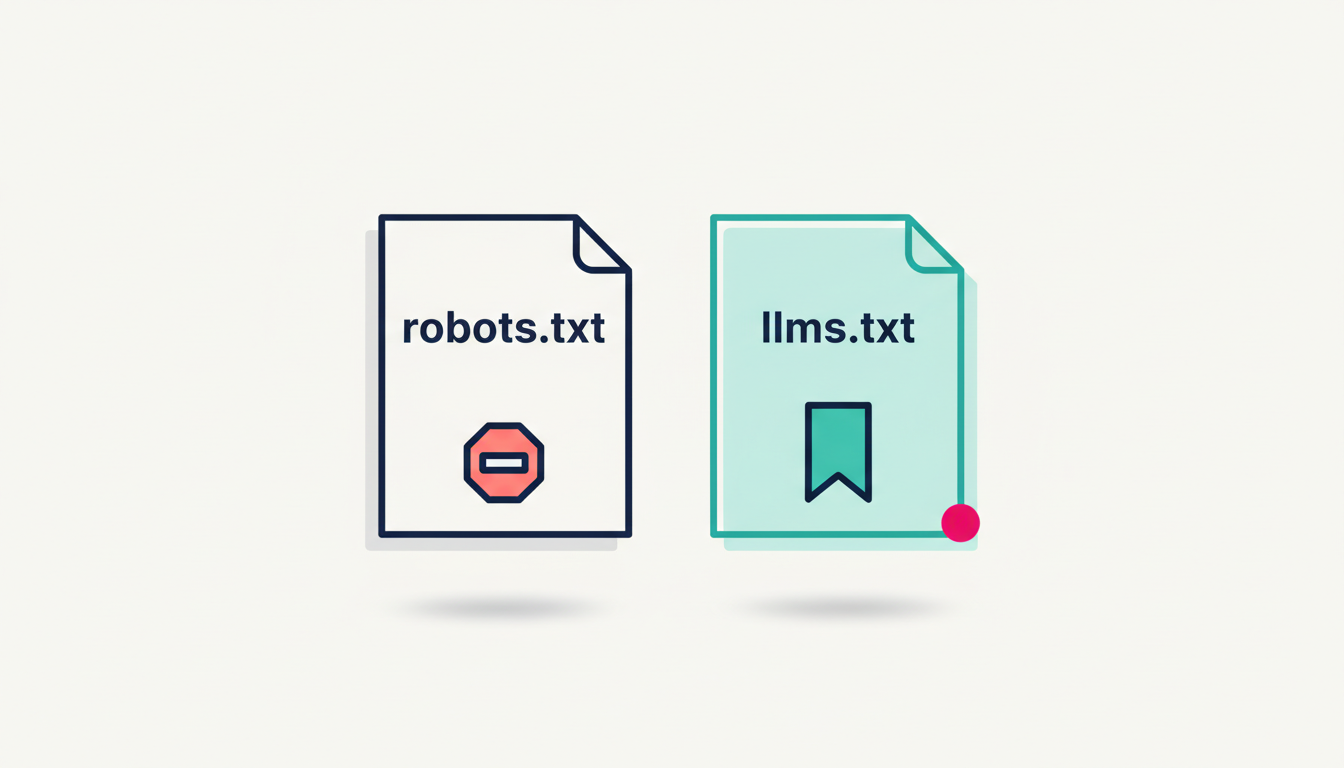
robots.txt is a formal internet standard from 1994 that tells web crawlers which pages they should not fetch. llms.txt is a 2024 proposal from Answer.AI that tells AI tools which pages on your site matter most. One is exclusion. The other is curation. Small business sites need robots.txt working correctly. llms.txt is a low-cost addition for doc-heavy sites and low priority for most others.
If you have heard the term llms.txt and assumed it was the same thing as robots.txt with a new name, you are not alone. The two files share a folder on every website. They look similar at a glance. The names rhyme. Most small business owners who ask me this question saw llms.txt mentioned in a newsletter and were quietly hoping it was just a re-spelling of something they already had.
It is not.
robots.txt and llms.txt do different jobs, sit at different levels of authority on the internet, and reach a different mix of bots. This post explains what each file is, who reads it, and what your small business website should actually have set up first.
The headline difference in one sentence
robots.txt tells crawlers what they are not allowed to fetch. llms.txt tells AI tools which pages on your site matter most. One is a block list. The other is a shortlist.
That is the whole difference in a sentence. The rest of this post unpacks it.
What robots.txt is
robots.txt is a small text file that lives at the root of your website. The file is the public, machine-readable place where you list which crawlers are allowed in and which directories they should leave alone.
It is old. The format was first proposed by Martijn Koster in 1994. It became the rulebook for every search and crawl bot for the next thirty years. In September 2022, the IETF (the group that publishes internet standards) made the format a formal standard called RFC 9309, the Robots Exclusion Protocol.
That move matters. It moved robots.txt from "what every serious crawler does" to "what every serious crawler is required to honour." Search engines, AI training crawlers, archive bots, and SEO tools all read robots.txt before they fetch one page on your site.
The file looks like this in its simplest form:
User-agent: *
Disallow: /admin/
Disallow: /private/
Three lines. Three jobs. The first line names the bot the rule applies to (the asterisk means "all bots"). The next two lines list directories the bot should not fetch.
The same file controls AI bots too. OpenAI, Google, and Anthropic have each published user-agent names you can use inside robots.txt to manage how their AI products see your content. The three you most often see in 2026 are:
- GPTBot (OpenAI). Collects training data for OpenAI's foundation models. Documented in the OpenAI bots overview.
- Google-Extended (Google). Controls whether Google uses your content for Gemini and Vertex AI training. It is referenced inside robots.txt the same way Googlebot is, but it is a separate directive.
- ClaudeBot, Claude-User, and Claude-SearchBot (Anthropic). Three separate bots for training data, in-product fetches, and search indexing. Documented in Anthropic's privacy centre.
The key fact: every one of those AI crawlers reads robots.txt. The file is not just for Googlebot. It is the file the AI engines also check before they decide whether to fetch your pages.
What llms.txt is
llms.txt is a different file with a different purpose. It is a markdown file that lists the top pages on your site, with one short note per page, written for AI tools that want a fast, high-signal summary.
Jeremy Howard at Answer.AI proposed it in September 2024. The full spec lives at llmstxt.org. It is not an internet standard. It is a community proposal that gained traction during 2025 as doc-heavy sites started adopting it.
The shape is simple. A markdown H1 with the site name, an optional summary, and a list of links under H2 headings. A short example:
# Getrecommended

> Free and paid AI visibility checks for small business websites.

## Core docs
- [What is an AI visibility audit](/blog/what-is-an-ai-visibility-audit-for-a-small-business-website): Plain-English explainer of the four pillars.
- [How to read your scan report](/blog/what-should-a-small-business-do-first-after-an-ai-visibility-report): Reading guide for the free scan output.

## Foundations
- [Schema and content patterns](/blog/schema-and-content-patterns-ai-engines-reward): Which schemas AI engines reward, and why.
That is the entire pattern. A shortlist with descriptions, organised by topic.
The point of the file is simple. It saves an AI tool from parsing your full HTML, ads, nav, cookie banners, and JavaScript to find out what your site is about. llms.txt hands the AI a clean map. The bigger the site, the bigger the saving.
The catch: llms.txt is only useful if AI tools actually read it. Use is mixed. Anthropic, Stripe, Cursor, Cloudflare, Vercel, Mintlify, Supabase and other doc-heavy companies all publish llms.txt files. According to BuiltWith data referenced in recent industry coverage, more than 800,000 sites had implemented it by late 2025. The IDE coding assistants (Cursor, Continue, Cline) actively use it. The major consumer AI search engines have not said they read llms.txt at scale.
That gap is worth knowing before you spend a Friday writing one. The file is cheap to produce. It is not a sure visibility lever yet.
Side by side
The two files are easier to keep straight when you see them on the same axis.
| | robots.txt | llms.txt | |---|---|---| | What it does | Tells crawlers which pages they may not fetch | Tells AI tools which pages matter most | | Type of action | Exclusion (block list) | Curation (shortlist) | | Format | Plain text, line-by-line directives | Markdown, structured as a linked outline | | Status | IETF standard (RFC 9309, 2022) | Community proposal, no standards body | | First published | Original draft 1994. Standard 2022. | September 2024 | | Where it lives | yourdomain.com/robots.txt | yourdomain.com/llms.txt | | Who reads it | Every mainstream crawler, including all AI training and search bots | IDE coding agents and documentation tools today. Major AI search engines unconfirmed. | | Risk of getting it wrong | High. A bad robots.txt can hide your whole site from search. | Low. A bad llms.txt is mostly ignored. |
Notice the last row. That is why robots.txt earns the close attention. Get it wrong and you can vanish from search overnight. Get llms.txt wrong, very little happens.
Who actually reads each file
This is the part that matters most for a small business site. Vendor blogs often skip it.
robots.txt is universal. Every mainstream crawler reads it. That includes the AI crawlers. GPTBot, Google-Extended, ClaudeBot, OAI-SearchBot, Perplexity's bot, every search engine, every archive crawler, every SEO tool. If you want to control AI access to your content today, robots.txt is the file you edit.
llms.txt is selective. As of early 2026, the confirmed readers are:
- IDE coding assistants like Cursor, Continue, and Cline.
- Doc tools like Mintlify that make one for every site they host.
- Some MCP-aware tools that read it for agent context.
The major consumer AI search engines have not said they read llms.txt in any docs I can find. They might be reading it quietly. They might start backing it later. They have not committed yet.
I know how this lands. After three months of "AI is changing everything," hearing the new file is not yet a visibility lever can feel like one more thing to write off. It is not. It just sits in a different bucket. llms.txt is a low-cost prep move, not a top-of-funnel fix.
What a small business website actually needs
Here is the practical order, written as a checklist for an owner who has thirty quiet minutes on a Friday afternoon and wants to do this once, properly.
1. Check robots.txt exists. Type yourdomain.com/robots.txt into a browser. If you see plain text, you are on track. If you see a 404, your site has no robots.txt and the default is "everything is open." That is fine for most small business sites, but it means you have no way to block specific bots later without first creating the file.
2. Decide your stance on AI training. If you are happy for your content to be used to train OpenAI, Google, and Anthropic models, change nothing. If you would rather opt out of training but stay visible in search, add the AI bots below to robots.txt with a Disallow rule. Both choices are defensible. Most small businesses I work with stay opted in for visibility reasons.
User-agent: GPTBot
Disallow: /

User-agent: Google-Extended
Disallow: /

User-agent: ClaudeBot
Disallow: /
3. Leave the live-fetch bots in. OAI-SearchBot, Claude-User, and Claude-SearchBot fetch a page when a user asks ChatGPT or Claude a live question. Blocking those means you do not appear in those answers at all. Do not block them by default.
4. Decide if llms.txt is worth your thirty minutes. It is, if your site has deep documentation, a knowledge base, a help centre, or a long-form blog where the priority pages are not obvious from the homepage. It is less impactful for a five-page service site where the priority pages are already linked from the homepage navigation.
5. If you do write llms.txt, keep it short. A shortlist with three to five priority pages, each with a one-sentence description, beats a wall of links. The whole point of the file is curation. A messy llms.txt defeats the purpose.
That is the full job. Most owners can do the robots.txt review in fifteen minutes with help from a dev or a CMS plugin. The llms.txt is a side call. It can wait a week or a quarter.
Common mistakes I see
A few patterns come up often enough to call out.
Treating llms.txt as a replacement for robots.txt. It is not. Adding an llms.txt to a site with no robots.txt does nothing for access control. The two files solve different problems and need to coexist.
Blocking all AI bots reflexively. A blanket ban on every AI user agent is rarely the right move. You lose visibility in answers without preventing your content from being talked about elsewhere on the web. Choose deliberately.
Forgetting subdomains. robots.txt and llms.txt only cover the domain they sit on. If your blog lives at blog.yourdomain.com and your main site at yourdomain.com, each subdomain needs its own file. A common miss.
Listing every page in llms.txt. The file's job is to be a shortlist. Listing every page defeats the point. Pick the three to five pages a curious AI tool should read first, and stop there.
Writing llms.txt for marketing tone. llms.txt is a reference document, not a brochure. A one-line factual description of each page beats a sales line. The file is being read by a machine that cares about signal density, not warmth.
A short closing thought
If you take one thing from this post, take this: robots.txt is the file that does the heavy lifting for AI access control today, and it is the same file that has been doing it since 1994. llms.txt is a useful, low-risk addition for sites with depth, but it is not yet a guaranteed visibility lever for the major AI search engines.
Run the robots.txt check first. Decide your stance on training. Then, if it makes sense for your site, write a short llms.txt as a low-cost prep step. Both files together cost less than one afternoon for most small business sites, and the work compounds across every future AI tool that comes along.
If you would like to see how AI tools currently see your business across the major engines, the free AI visibility scan at GetRecommended.io is one option in this category. Tools in the broader category include HubSpot's AEO Grader, Otterly, SE Ranking, and similar checkers. Pick by the engines and signals you most want covered.
Sources
- IETF. RFC 9309: Robots Exclusion Protocol.
- Google for Developers. How Google Interprets the robots.txt Specification.
- Answer.AI. /llms.txt: a proposal to provide information to help LLMs use websites.
- llms-txt. The /llms.txt file specification.
- OpenAI. Overview of OpenAI Crawlers.
- Anthropic. Does Anthropic crawl data from the web, and how can site owners block the crawler?.
- ppc.land. llms.txt adoption stalls as major AI platforms ignore proposed standard.